
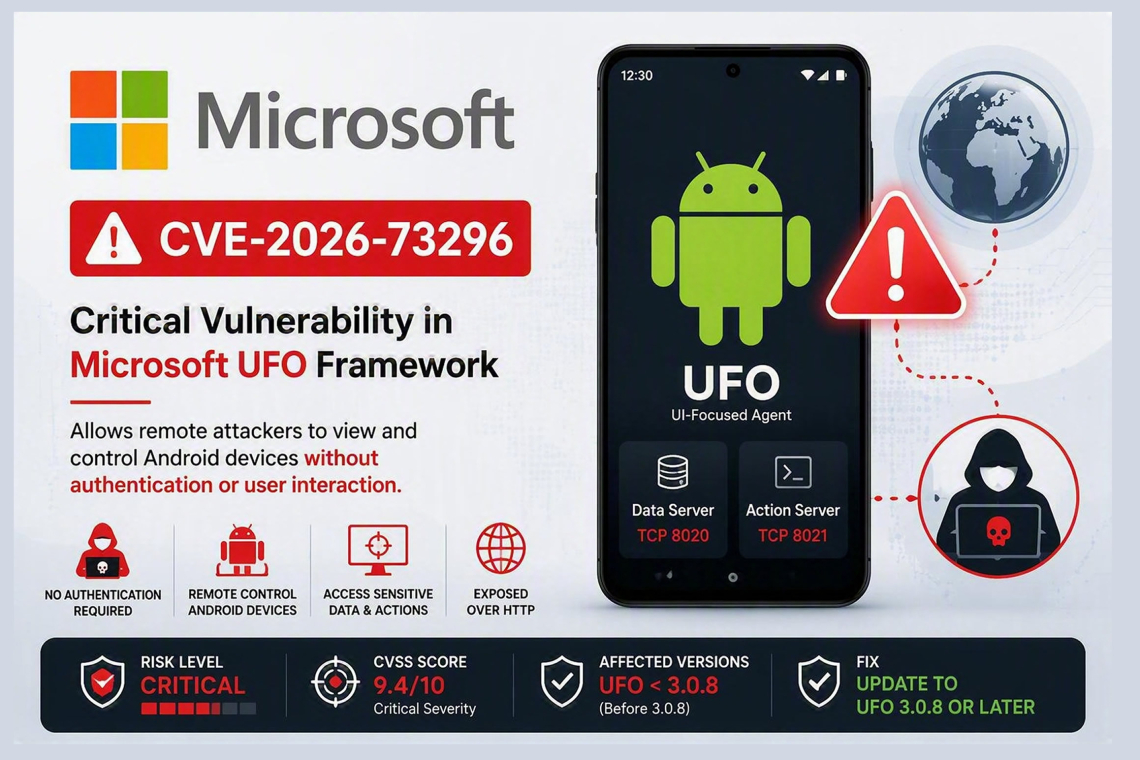
A critical security flaw in Microsoft's open-source UFO (UI-Focused Agent) automation framework could allow attackers to remotely view and control Android devices without authentication or user interaction. Tracked as CVE-2026-73296 and assigned a CVSS score of 9.4, the vulnerability affects UFO deployments running versions prior to 3.0.8 when Mobile Model Context Protocol (MCP) services are exposed for remote access. Microsoft has addressed the issue in UFO version 3.0.8, urging users to upgrade immediately.
Authentication Bypass Exposes Android Devices
UFO's Mobile MCP servers are designed to collect information from Android devices and automate actions through the Android Debug Bridge (ADB). These services can be exposed over HTTP to support remote operations.
By default:
- The Mobile MCP data-collection server listens on TCP port 8020
- The Mobile MCP action server listens on TCP port 8021
When administrators configure the services for remote accessibility and bind them to 0.0.0.0, any system capable of reaching these ports may gain access to Android automation functions. Researchers discovered that the affected servers failed to enforce authentication before processing MCP requests. As a result, attackers could establish sessions and perform sensitive operations without providing valid credentials. The vulnerability resides within the mobile_mcp_server.py component, specifically in functions responsible for creating Mobile MCP data and action servers.
According to GitHub advisory GHSA-24fq-m9rr-g3mm, the issue falls under:
- CWE-306: Missing Authentication for Critical Function
- CWE-862: Missing Authorization
Exposure of Sensitive Device Information
An exposed Mobile MCP data server can give attackers access to a wide range of information from connected Android devices, including:
- Screenshots
- User interface hierarchy data
- Installed application details
- Window-control information
- Device metadata
Such access could reveal highly sensitive content displayed on phones or emulators, including:
- Chat conversations
- Email messages
- One-time passcodes (OTPs)
- Account information
- Internal business applications
- Authentication prompts
Full Remote Device Control Through ADB
The action server presents an even more serious risk because it exposes functionality backed by Android Debug Bridge (ADB).
An unauthenticated attacker may be able to:
- Tap arbitrary screen locations
- Perform swipe gestures
- Enter text
- Trigger Android key events
- Launch applications
- Interact with user interface elements
In effect, a remote attacker could interact with an unlocked Android device much like a legitimate automation workflow would.
The overall impact depends on factors such as:
- Device state
- Running applications
- Permissions available to the ADB service
However, successful exploitation can enable unauthorized actions, data exposure, and disruption of normal device operations.
Remote Deployments Face the Greatest Risk
The default UFO configuration limits exposure by binding Mobile MCP services to localhost. This prevents external systems from accessing the services in standard deployments. The vulnerability becomes particularly dangerous when administrators intentionally expose MCP services through non-local network interfaces for remote management. Organizations operating UFO with Android devices or emulators connected to ADB should verify whether ports 8020 and 8021 are accessible from external systems.
Importantly:
- No user interaction is required
- No existing UFO account is needed
- No browser session is required
- No API key is necessary
- No privileges are needed
The attack can be performed remotely over the network with minimal complexity.
Mitigation and Recommendations
Microsoft has resolved the issue in UFO 3.0.8, which introduces mandatory bearer-token authentication for Mobile MCP services. The updated implementation uses the UFO_MCP_API_KEY environment variable and is designed to refuse startup when a valid API key is not configured.
Organizations should:
- Upgrade immediately to UFO 3.0.8 or later
- Restrict Mobile MCP services to localhost whenever possible
- Block inbound access to ports 8020 and 8021
- Avoid exposing Mobile MCP services directly to the internet
- Use TLS and authenticated reverse proxies for remote deployments
- Review systems running UFO and identify connected ADB devices
- Rotate credentials that may have been exposed on device screens
- Investigate unusual automation activity, including unexpected taps, keystrokes, screenshots, and app launches
Given its high severity and the potential for complete remote interaction with connected Android devices, organizations using UFO should prioritize remediation and ensure exposed Mobile MCP services are secured immediately.
Found this article interesting? Follow us on X(Twitter) ,Threads and FaceBook to read more exclusive content we post.
